
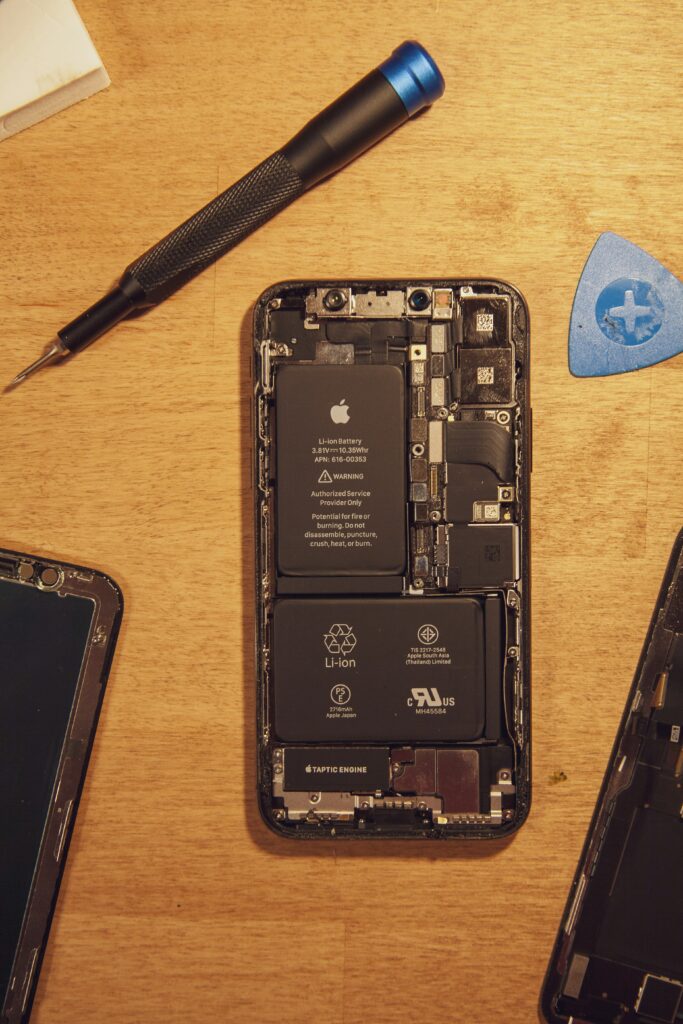
Is your phone battery draining faster than usual? You’re not alone. Battery drain is one of the most common smartphone complaints. Here are 12 proven fixes to make your battery last longer.
Why Does Phone Battery Drain So Fast?
Common reasons include:
- Too many apps running in the background
- Screen brightness too high
- Poor network signal
- Old or damaged battery
- Location services always on
Fix 1: Turn On Battery Saver Mode
Go to Settings, then Battery, then enable Battery Saver. This immediately reduces drain by limiting background activity.
Fix 2: Lower Screen Brightness
Your screen is the biggest battery drain. Lower brightness to 50% or less and enable auto-brightness.
Fix 3: Turn Off Location Services
- Go to Settings
- Privacy then Location Services
- Set apps to “While Using” instead of “Always”
Fix 4: Close Background Apps
Double tap home button or swipe up to see open apps. Close all apps you are not using.
Fix 5: Turn Off WiFi and Bluetooth When Not Needed
Both WiFi and Bluetooth drain battery even when not in use. Turn them off when not needed.
Fix 6: Disable Push Email
Change email settings from Push to Fetch every 30 minutes to save significant battery.
Fix 7: Update Your Apps
Outdated apps often have bugs that drain battery. Go to App Store or Play Store and update all apps.
Fix 8: Check Battery Usage by App
- Go to Settings then Battery
- See which apps use the most battery
- Delete or limit those apps
Fix 9: Turn Off Widgets and Live Wallpapers
Animated wallpapers and active widgets constantly use battery. Switch to a static wallpaper.
Fix 10: Disable Vibration
Vibration motors use more battery than ringtones. Turn off vibration for calls and keyboard.
Fix 11: Enable Airplane Mode in Low Signal Areas
When your phone has poor signal, it works harder to find connection. Use Airplane mode in weak signal areas.
Fix 12: Replace Your Battery
If your battery is over 2 years old, capacity naturally decreases. Consider replacing it at an authorized service center.
Conclusion
Start with Battery Saver mode and reducing screen brightness — these two fixes alone can double your battery life. Work through the rest of the fixes for even better results.