
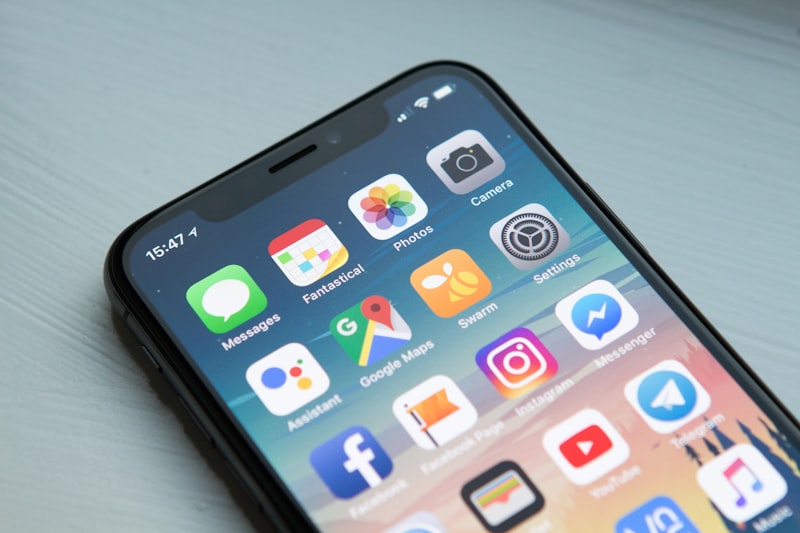
Is your phone showing “Storage Full” warning? A full phone storage slows down your device and prevents you from taking photos or installing apps. Here are 8 fast ways to free up space right now.
Why Is My Phone Storage Always Full?
Common reasons include:
- Too many photos and videos
- Apps storing large amounts of cached data
- Downloaded files you forgot about
- WhatsApp media filling up storage
- Apps you no longer use
Fix 1: Delete Unused Apps
Go through your apps and delete anything you have not used in the last month.
On iPhone:
- Press and hold any app icon
- Tap Remove App then Delete App
On Android:
- Go to Settings then Apps
- Tap the app and tap Uninstall
Fix 2: Clear App Cache (Android)
- Go to Settings then Storage
- Tap Cached Data
- Tap OK to clear all cached data This can free up several gigabytes instantly.
Fix 3: Clean Up WhatsApp Media
WhatsApp automatically saves all photos and videos sent to you.
- Open WhatsApp then Settings
- Tap Storage and Data then Manage Storage
- Delete large files and media you do not need
Fix 4: Back Up and Delete Photos
- Upload all photos to Google Photos or iCloud
- Enable Backup and Sync
- After backup completes, delete photos from your phone
- Google Photos gives you free unlimited storage for photos
Fix 5: Delete Downloaded Files
- On iPhone open the Files app
- On Android open Files by Google
- Check the Downloads folder
- Delete any files you no longer need
Fix 6: Use Streaming Instead of Downloading
Instead of downloading music and movies, use streaming apps like Spotify and Netflix. Go to their settings and delete any offline downloads you have saved.
Fix 7: Move Files to Cloud Storage
- Install Google Drive or Dropbox
- Upload documents and large files to the cloud
- Delete them from your phone after uploading
Fix 8: Factory Reset as Last Resort
If your phone is still full after all the above fixes and you want a completely fresh start:
- Backup everything to cloud storage
- Factory reset your phone
- Only reinstall apps you actually need
Quick Storage Saving Tips
- Take photos in standard mode not RAW format
- Disable auto-download in WhatsApp and Telegram
- Use lite versions of apps like Facebook Lite
- Regularly empty your deleted photos album
Conclusion
Start by clearing WhatsApp media and app cache — these two steps alone can free up several gigabytes in minutes. Then back up your photos to Google Photos or iCloud and delete them from your device.