
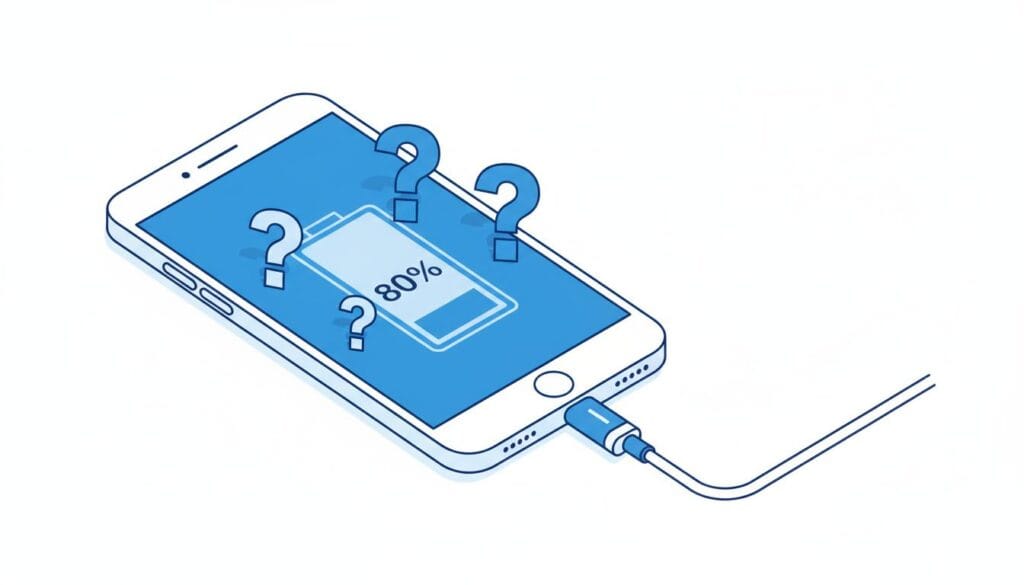
iPhone Stops Charging at 80%? Here’s Why & How to Fix It
Last Updated: January 2025 | Reading Time: 4 minutes | Category: iPhone Battery
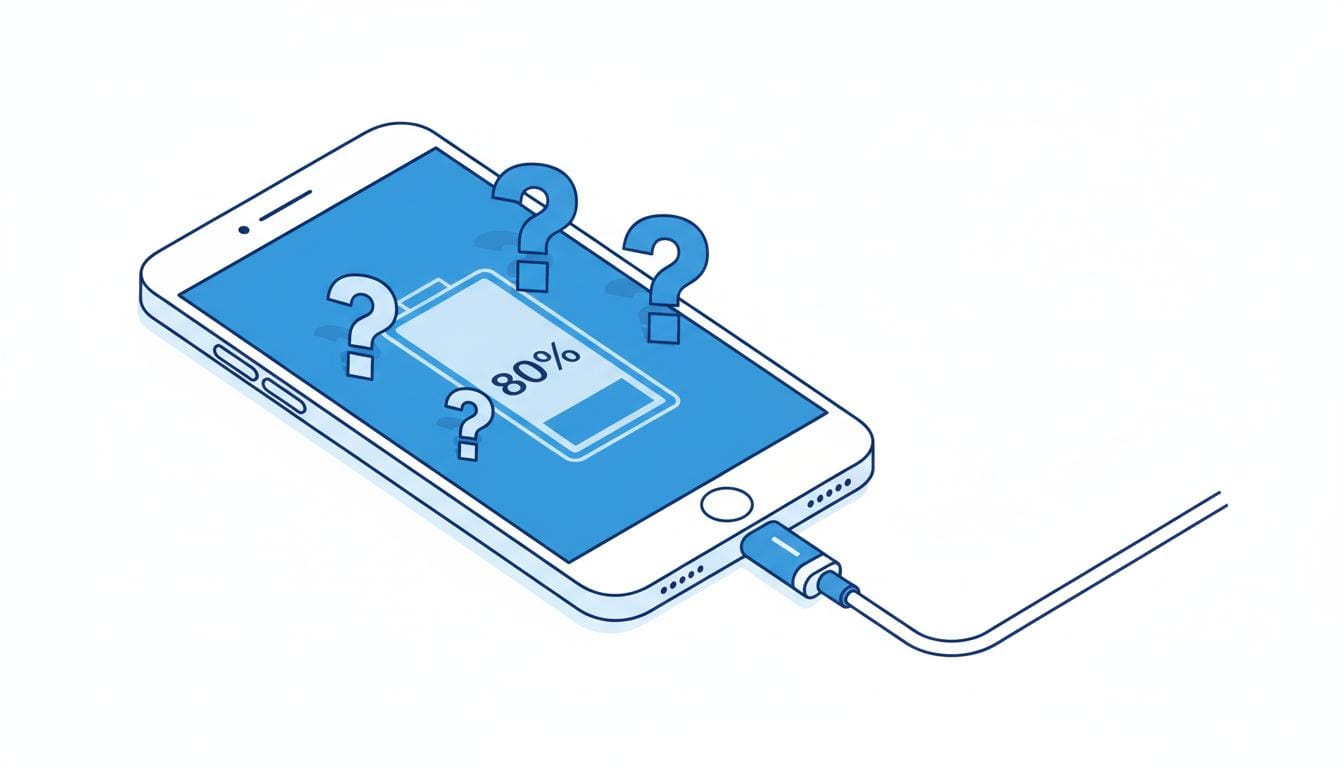
The Problem
You plugged in your iPhone overnight expecting a full 100% charge, but woke up to find it stuck at 80%. Or maybe you’re charging during the day and notice it won’t go past 80% no matter how long you wait.
Good news: This is usually a feature—not a bug! Here’s what’s happening and how to fix it.
Quick Diagnosis: Why Your iPhone Stops at 80%
| Reason | How to Check | Solution |
|---|---|---|
| Optimized Battery Charging | Check Settings → Battery → Battery Health | Tap “Charge Now” on lock screen |
| iPhone is too hot | Feel if phone is warm | Remove case, cool down |
| Clean Energy Charging | Check iOS 16.1+ settings | Wait or disable temporarily |
Solution 1: Charge to 100% Right Now (Quick Fix)
If you need 100% charge immediately:
- Look at your lock screen
- Tap and hold the notification that says “Scheduled to finish charging by [time]”
- Tap “Charge Now”
- Your iPhone will charge to 100% immediately
Solution 2: Check Optimized Battery Charging
This is the most common reason. Apple introduced this feature in iOS 13 to extend battery lifespan.
How to Check:
- Open Settings
- Tap Battery
- Tap Battery Health & Charging
- Look for Optimized Battery Charging
What It Does:
- Learns your daily routine
- Charges quickly to 80%
- Waits at 80% until you typically unplug
- Finishes charging to 100% just before you need it
Example: If you wake up at 7 AM, iPhone stays at 80% until ~6 AM, then finishes charging.
Should You Turn It Off?
Keep it ON if:
- You charge overnight regularly
- You want maximum battery lifespan
- You don’t need 100% immediately
Turn it OFF if:
- You have unpredictable schedule
- You need full charge at random times
Our recommendation: Keep it on. It can extend your battery’s useful life by 6-12 months.
🔗 Check your battery health with our Battery Health Calculator
Solution 3: Cool Down Your iPhone
If your iPhone gets warm during charging, iOS pauses at 80% to protect the battery.
Signs of Overheating:
- Phone feels warm to touch
- Charging stopped at 80%
- Using phone while charging
Quick Fix:
- Remove the case immediately
- Move to a cooler room
- Stop using your iPhone while charging
- Wait 15-20 minutes
- Charging will resume automatically
Solution 4: Check Battery Health
An aging battery may stop charging properly.
How to Check:
- Open Settings
- Tap Battery
- Tap Battery Health & Charging
- Look at Maximum Capacity
What the Numbers Mean:
| Capacity | Status | Action |
|---|---|---|
| 100-90% | Excellent | No action needed |
| 89-80% | Good | Monitor regularly |
| Below 80% | Needs replacement | Consider battery replacement |
🔗 Use our Battery Health Calculator to check if you need a replacement
Solution 5: Restart Your iPhone
Sometimes a simple restart fixes charging issues.
For iPhone 8 and newer:
- Press and quickly release Volume Up
- Press and quickly release Volume Down
- Press and hold the Side button until Apple logo appears
- Release and wait for restart
For iPhone 7/7 Plus:
- Press and hold Volume Down + Side button
- Keep holding until Apple logo appears
For iPhone 6s and older:
- Press and hold Home + Top/Side button
- Keep holding until Apple logo appears
Solution 6: Try a Different Charger
Faulty chargers can cause charging issues.
Test These:
- Try original Apple charger if available
- Try iPad charger (12W or 20W)
- Try different cable
- Try different power outlet
🔗 Having charging issues? See iPhone not charging but connected fixes
Prevention Tips
- ✅ Keep Optimized Battery Charging ON – Extends battery life
- ✅ Remove case while charging – Prevents overheating
- ✅ Charge in cool environment – 62-72°F (16-22°C) ideal
- ✅ Don’t use iPhone while charging – Reduces heat
- ✅ Check battery health monthly – Catch issues early
When to Contact Apple
Contact Apple Support if:
- iPhone still won’t charge past 80% after trying all fixes
- Battery health shows below 80%
- iPhone gets very hot during charging
- You see physical damage
Apple Support: support.apple.com/iphone
FAQ
Q: Is it bad to charge to 100%?
A: Not occasionally, but doing it daily accelerates battery degradation. 80% is better for long-term battery health.
Q: Will disabling Optimized Battery Charging damage my battery?
A: It won’t damage it immediately, but you’ll see faster degradation over time.
Q: Why does my iPhone sometimes charge past 80% and sometimes not?
A: Optimized Battery Charging learns your patterns. If your schedule varies, it may not predict accurately.
Q: Can I charge to 100% for important days?
A: Yes! Just tap “Charge Now” on the notification when you see it.
Related Articles
- iPhone Charging Slowly? 7 Quick Fixes That Work
- iPhone Hot While Charging – Causes & Fix
- iPhone Not Charging But Connected (7 Fixes)
- Battery Health Calculator
Did this fix your charging issue? Let us know in the comments which solution worked for you!