
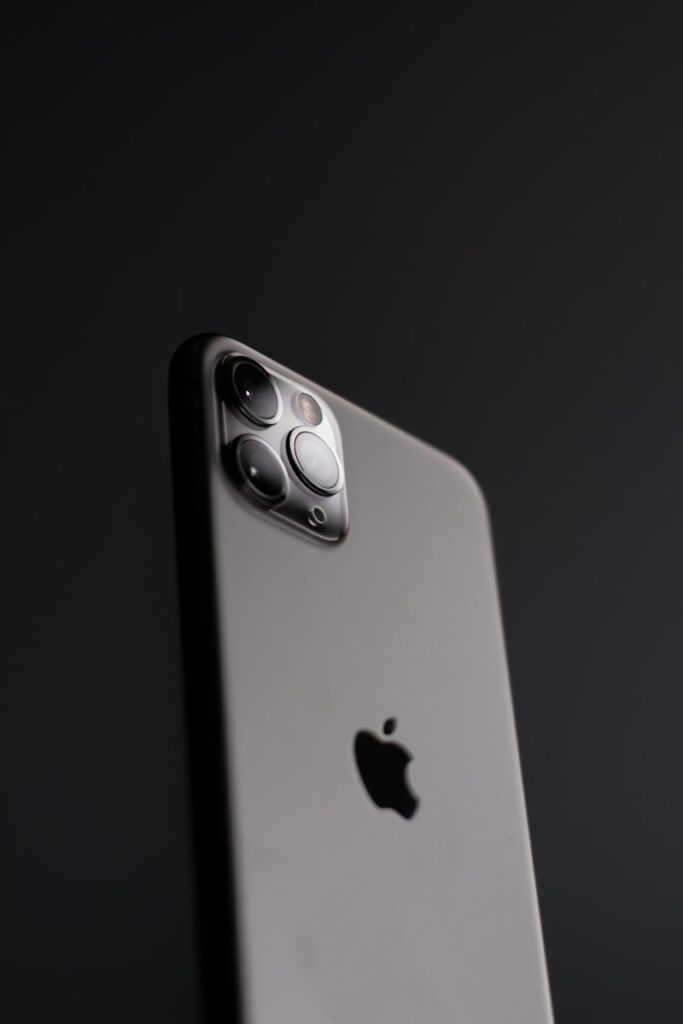
Is your iPhone feeling sluggish and slow? Before you think about buying a new phone, try these 10 proven fixes to speed up your iPhone in minutes.
Why Is My iPhone Running Slow?
Common reasons include:
- Too many apps running in the background
- Low storage space
- Outdated iOS version
- Old battery with reduced capacity
- Too much cached data
Fix 1: Restart Your iPhone
The simplest fix is often the most effective. Restart your iPhone at least once a week to clear temporary files and refresh the system.
Fix 2: Free Up Storage Space
iPhone slows down significantly when storage is almost full.
- Go to Settings then General then iPhone Storage
- Delete unused apps, photos, and videos
- Keep at least 2GB of free space
Fix 3: Update iOS
- Go to Settings then General then Software Update
- Download and install the latest iOS version
- Updates often include performance improvements
Fix 4: Clear Safari Cache
- Go to Settings then Safari
- Tap Clear History and Website Data
- Confirm by tapping Clear History and Data
Fix 5: Turn Off Background App Refresh
- Go to Settings then General
- Tap Background App Refresh
- Turn it off completely or select specific apps
Fix 6: Reduce Motion and Animations
- Go to Settings then Accessibility
- Tap Motion
- Enable Reduce Motion This makes your iPhone feel noticeably faster.
Fix 7: Turn Off Automatic Downloads
- Go to Settings then App Store
- Turn off App Updates and App Downloads
- This stops background downloading that slows your phone
Fix 8: Check Battery Health
A degraded battery causes iPhone to slow down automatically.
- Go to Settings then Battery then Battery Health
- If below 80%, consider replacing your battery
Fix 9: Reset All Settings
This resets settings without deleting your data.
- Go to Settings then General then Transfer or Reset iPhone
- Tap Reset then Reset All Settings
- Your phone will restart fresh
Fix 10: Factory Reset as Last Resort
If nothing else works, a factory reset will make your iPhone feel brand new.
- Backup everything to iCloud first
- Go to Settings then General then Transfer or Reset iPhone
- Tap Erase All Content and Settings
Conclusion
Start by freeing up storage space and restarting your iPhone. These two fixes alone will speed up most slow iPhones. Work through the remaining fixes for the best results.