
iPhone Gets Hot While Charging? Here’s How to Cool It Down
Last Updated: January 2025 | Reading Time: 4 minutes | Category: iPhone Battery
The Problem
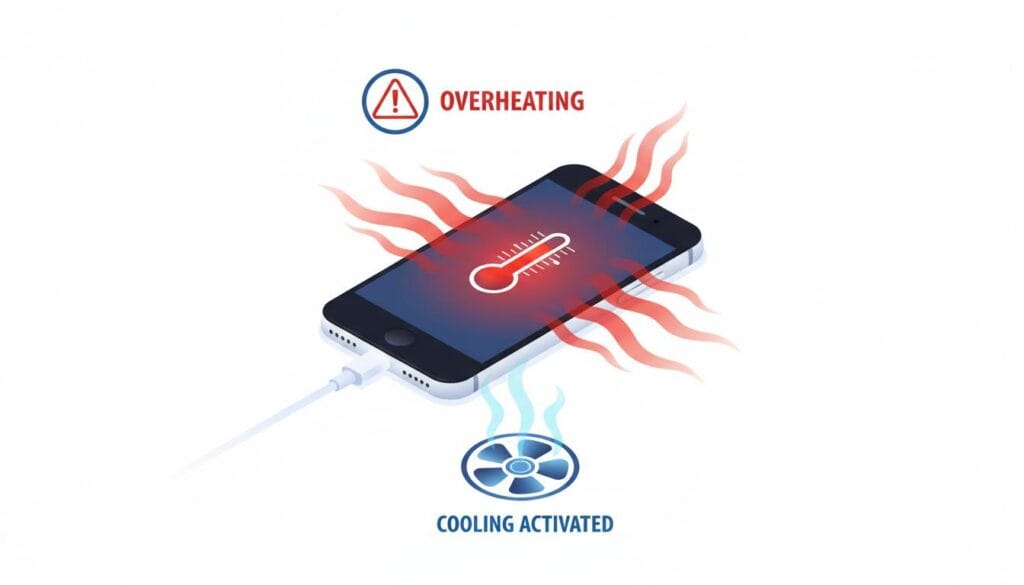
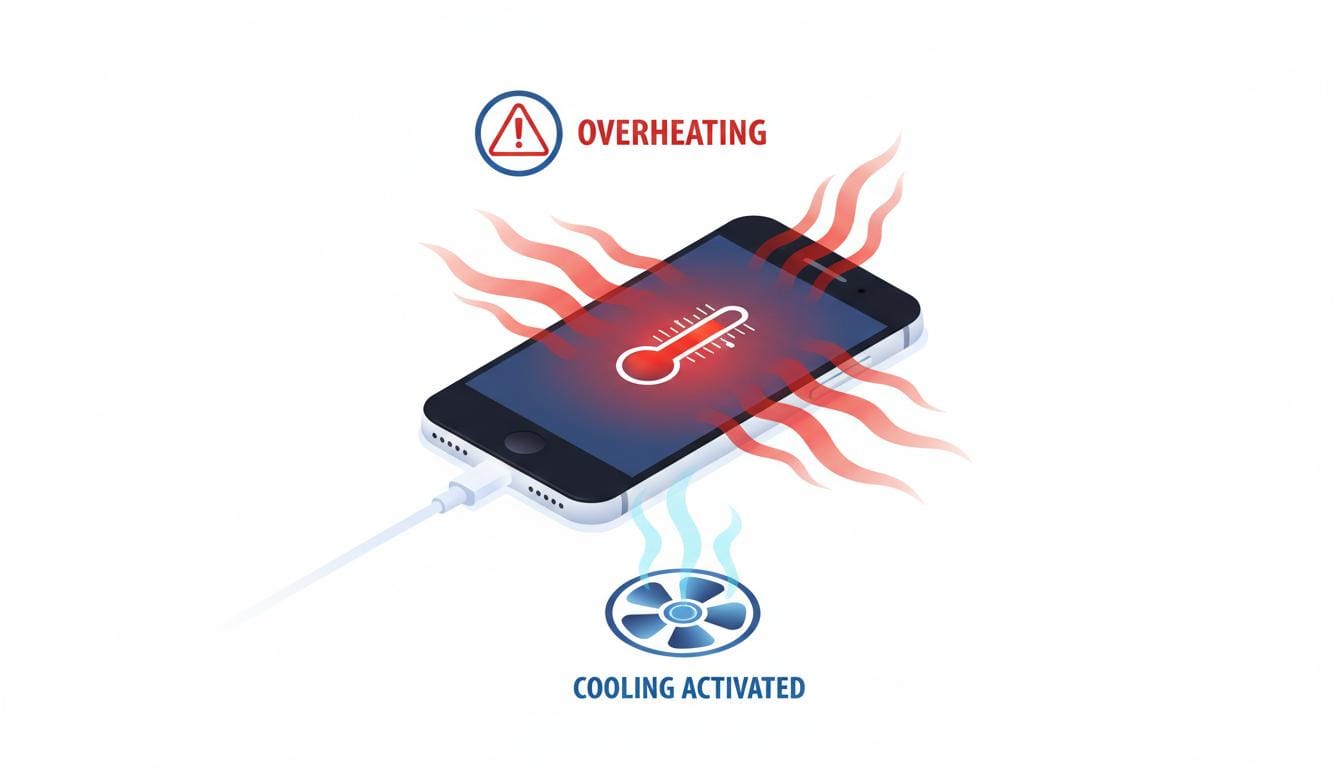
You plug in your iPhone to charge, and within minutes it feels warm—or uncomfortably hot. Sometimes it’s just slightly warm, other times it’s too hot to hold.
Is this normal? Sometimes yes, sometimes no. Here’s how to tell and how to fix it.
Quick Check: Normal vs. Not Normal
| Temperature | Status | Action |
|---|---|---|
| Slightly warm | ✅ Normal | No action needed |
| Warm but comfortable | ✅ Normal | Monitor |
| Too hot to hold | ⚠️ Not normal | Cool it down |
| Temperature warning appears | ❌ Dangerous | Stop charging immediately |
Why Your iPhone Gets Hot While Charging
1. Using iPhone While Charging (Most Common)
Gaming, video calls, or watching videos while charging generates significant heat.
Quick Fix:
- Let your iPhone charge undisturbed
- Avoid gaming while charging
- Close apps before charging
2. Fast Charging (20W or Higher)
Fast chargers push more current, creating more heat.
Quick Fix:
- Use standard 5W charger for overnight charging
- Save fast charging for when you need it quickly
- Remove case when fast charging
3. Thick Case
Cases trap heat and prevent cooling.
Quick Fix:
- Remove the case while charging
- Place iPhone on a cool surface
- Let it breathe
4. Hot Environment
Direct sunlight, hot cars, or warm rooms make it worse.
Quick Fix:
- Charge in air-conditioned room
- Never charge in direct sunlight
- Don’t leave charging iPhone in car
5. Background Apps Running
Apps refreshing in the background use CPU, generating heat.
Quick Fix:
- Close all apps before charging
- Enable Airplane Mode (charges faster and cooler)
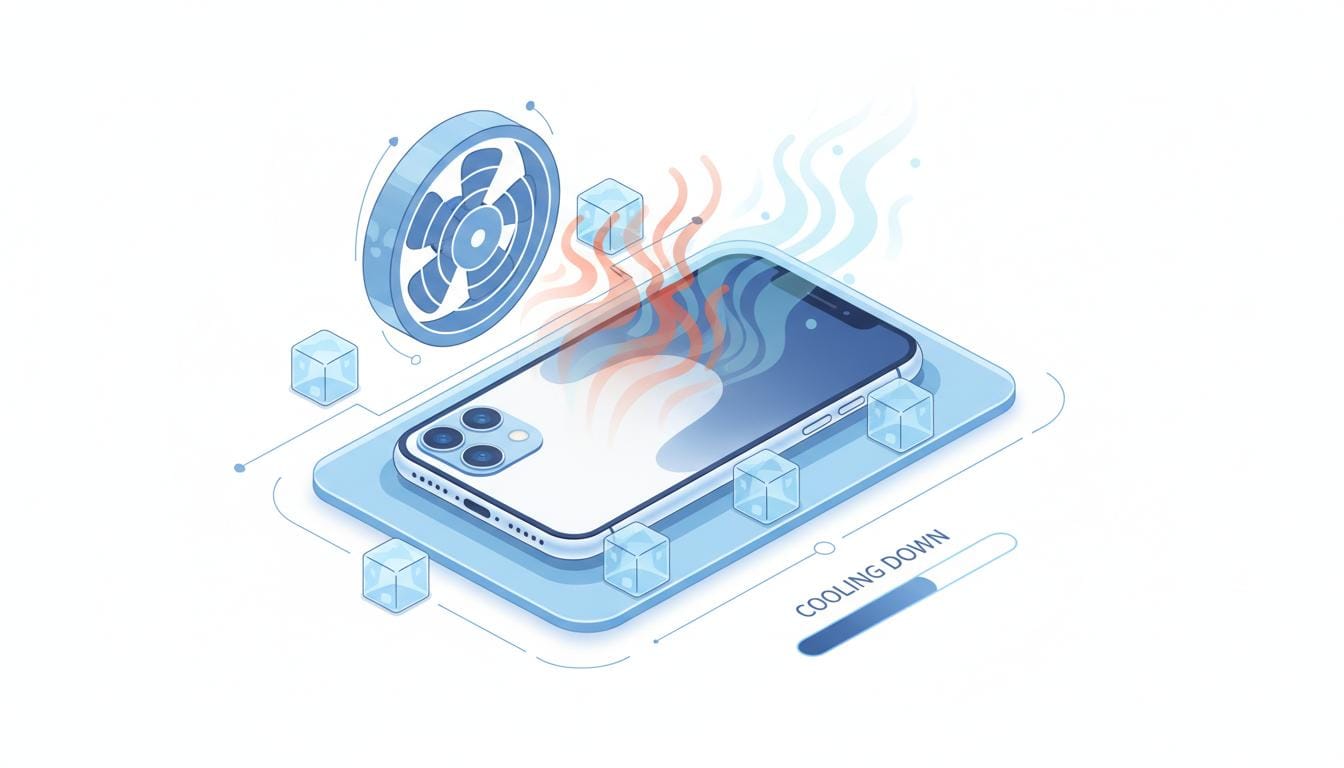
How to Cool Down Your iPhone (Immediate Actions)
If your iPhone is too hot right now:
Step 1: Stop Charging
Unplug immediately if too hot to hold.
Step 2: Remove Case
Take off any case or cover.
Step 3: Move to Cool Place
Find an air-conditioned room or cool surface.
Step 4: Close All Apps
Swipe up and close everything.
Step 5: Enable Airplane Mode
Stops all radio activity.
Step 6: Wait
Let it cool for 15-30 minutes before using again.
⚠️ What NOT to Do
- ❌ Don’t put in refrigerator – Condensation damage
- ❌ Don’t use ice packs – Water damage
- ❌ Don’t continue charging if hot
- ❌ Don’t use while cooling down
Temperature Warning Message
If you see this message:
“iPhone needs to cool down before you can use it”
Do this:
- Turn off completely
- Move to cool place
- Wait 15-30 minutes
- Turn back on when cool
🔗 Check your battery health with our Battery Health Calculator
Prevention: Keep Your iPhone Cool
Best Practices:
- ✅ Charge overnight with 5W adapter – Slowest, coolest charging
- ✅ Remove case – Allows heat to escape
- ✅ Charge in cool room – 62-72°F (16-22°C) ideal
- ✅ Don’t use while charging – Especially gaming
- ✅ Close apps before charging – Reduces CPU load
- ✅ Use certified accessories – Safe, consistent power
Settings to Optimize:
1. Enable Optimized Battery Charging
Settings → Battery → Battery Health & Charging
Reduces time at 100% (hottest state)
2. Lower Screen Brightness
Settings → Display & Brightness
Lower to 30-40%
3. Disable Background App Refresh
Settings → General → Background App Refresh → Off
When Heat Damages Your Battery
Prolonged heat can:
- Accelerate battery degradation
- Reduce battery capacity faster
- Shorten overall battery lifespan
Signs of Heat Damage:
- Battery drains faster than before
- iPhone gets hot more easily
- Battery health drops quickly
🔗 Use our Battery Health Calculator to check for heat damage
When to Contact Apple
Contact Apple Support if:
- iPhone gets hot even with normal charging (5W, no use, cool room)
- Temperature warnings appear frequently
- iPhone shuts down due to heat
- Battery drains extremely fast
- You see physical damage (swelling, discoloration)
Apple Support: support.apple.com/iphone
Quick Reference: Heat Sources
| Activity | Heat Level | Recommendation |
|---|---|---|
| Gaming while charging | 🔥🔥🔥 Very High | Never do this |
| Video calls while charging | 🔥🔥 High | Avoid |
| Fast charging (20W+) | 🔥 Moderate | Remove case |
| Standard charging (5W) | ✅ Low | Normal |
| Wireless charging | 🔥 Moderate | Remove case |
FAQ
Q: Is wireless charging supposed to get hot?
A: Yes, wireless runs warmer than wired. Some warmth is normal.
Q: Can heat damage my iPhone battery?
A: Yes, prolonged heat accelerates battery degradation.
Q: Why does my iPhone get hot only at 80-100% charge?
A: The final 20% generates more heat. This is normal.
Q: Is MagSafe charging hotter?
A: MagSafe can run slightly warmer due to higher power (15W).
Related Articles
- iPhone Battery Draining Fast After Update (Fix Guide)
- iPhone Charging Slowly – Causes & Solutions
- iPhone Stops Charging at 80% (Explained + Fix)
- iPhone Not Charging But Connected (7 Fixes)
- Battery Health Calculator
Does your iPhone get hot while charging? Share your experience in the comments!