
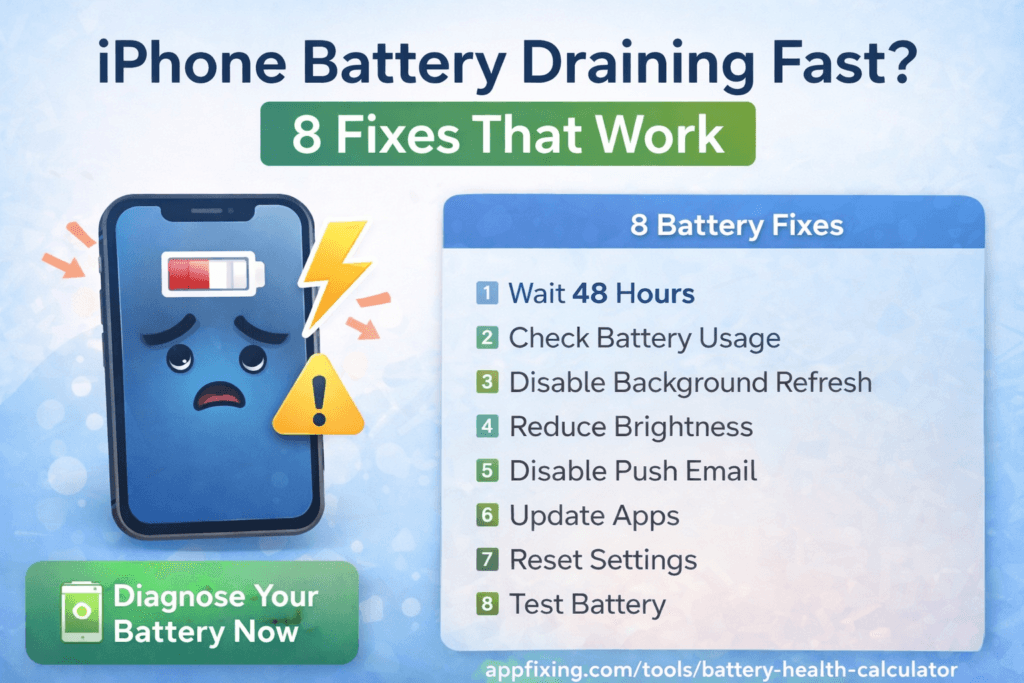
iPhone Battery Draining Fast After Update? 8 Fixes That Work
Updated your iPhone and now the battery drains quickly?
🤔 Why This Happens
- Background processes after update
- Apps reindexing
- Settings reset
⚡ Fix 1: Wait 48 Hours
After updates, iOS needs time to stabilize.
⚡ Fix 2: Check Battery Usage
Go to Settings → Battery and identify apps draining power.
⚡ Fix 3: Disable Background App Refresh
Turn it off for non-essential apps.
⚡ Fix 4: Reduce Brightness
Enable auto-brightness and lower screen brightness.
⚡ Fix 5: Disable Push Email
Switch to Fetch instead of Push.
⚡ Fix 6: Update Apps
Update all apps from App Store.
⚡ Fix 7: Reset Settings
Go to Settings → General → Reset → Reset All Settings.
🔍 Still Draining?
❓ FAQ
Is battery drain normal after update?
Yes, usually for 24–48 hours.
Should I replace my battery?
Only if battery health is below 80%.
Does update damage battery?
No, usually it’s a temporary software issue.