
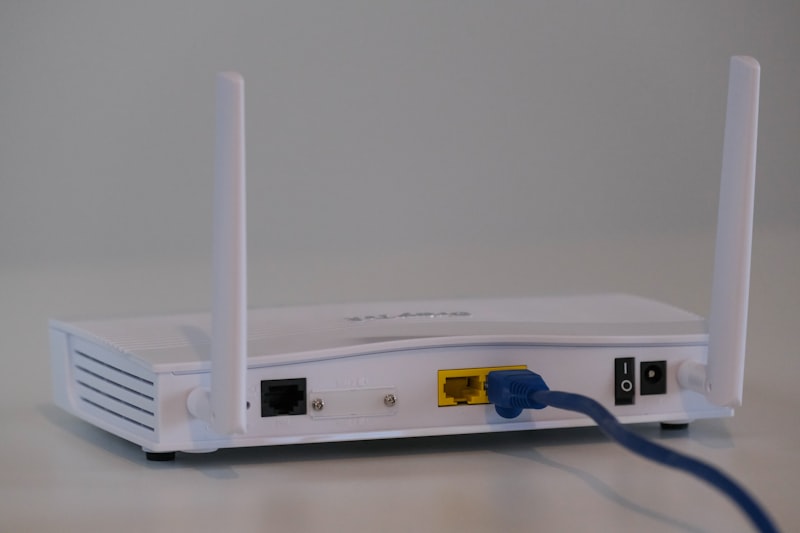
Is your phone WiFi slow even though your internet plan is fast? The problem is usually not your internet provider but your phone settings. Here are all the fixes to speed up your WiFi connection instantly.
Why Is WiFi Slow on My Phone?
Common causes include:
- Too many devices connected to the router
- Phone is too far from the router
- Outdated router firmware
- WiFi frequency band issues
- Background apps using bandwidth
Fix 1: Move Closer to Your Router
WiFi signal weakens with distance and walls. Move closer to your router and test the speed again. If speed improves, distance was the problem.
Fix 2: Restart Your Router
- Unplug your router from power
- Wait 30 seconds
- Plug it back in
- Wait 1 minute then reconnect
Fix 3: Switch to 5GHz Band
Most modern routers broadcast two networks: 2.4GHz and 5GHz. The 5GHz band is much faster.
- Go to Settings then WiFi
- Look for your network name with 5G at the end
- Connect to that network instead
Fix 4: Forget and Reconnect to WiFi
- Go to Settings then WiFi
- Tap your network name
- Tap Forget Network
- Reconnect by entering your password again
Fix 5: Close Background Apps
Background apps constantly download data and slow your connection.
On iPhone:
- Swipe up from bottom to see open apps
- Close all apps you are not using
On Android:
- Tap the Recent Apps button
- Close all background apps
Fix 6: Turn Off VPN
VPN services slow down your internet connection significantly. Turn off any active VPN and test your speed again.
Fix 7: Reset Network Settings
On iPhone:
- Go to Settings then General
- Tap Transfer or Reset iPhone
- Tap Reset then Reset Network Settings
On Android:
- Go to Settings then General Management
- Tap Reset then Reset Network Settings
Fix 8: Check for Interference
Other devices can interfere with your WiFi signal including microwaves, baby monitors, and neighboring WiFi networks. Try changing your router channel in the router settings.
Fix 9: Update Your Phone Software
- On iPhone go to Settings then General then Software Update
- On Android go to Settings then Software Update
- Install any available updates
Fix 10: Contact Your Internet Provider
Run a speed test at fast.com. If the speed on your phone matches what you are paying for, your WiFi is actually fine. If it is much slower, contact your internet provider.
Conclusion
Switch to the 5GHz band and restart your router first. These two fixes solve slow WiFi problems on phones in most cases. If problems continue, reset your network settings for a completely fresh connection.