
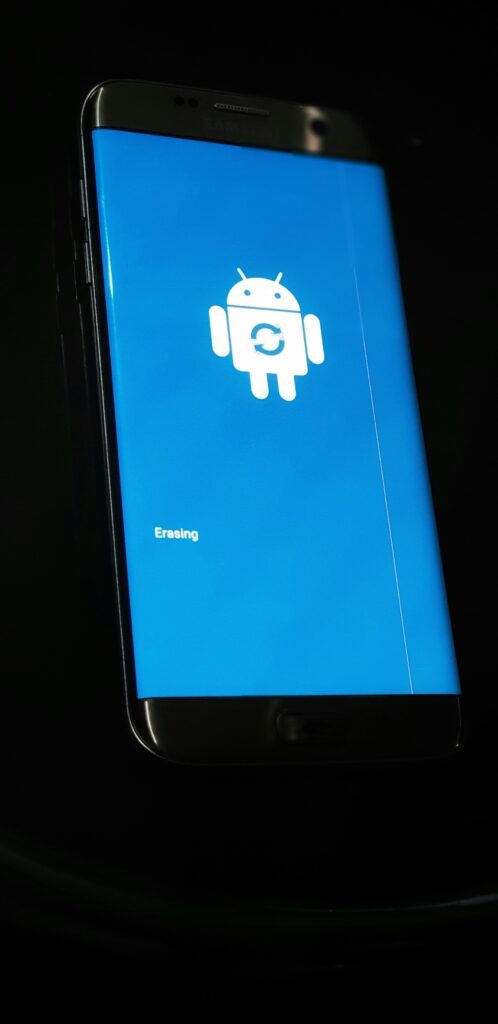
Is your Android phone stuck on the boot screen and won’t start? This is a frustrating problem, but don’t panic — your data is likely safe and the fix is usually simple.
Why Is My Android Stuck on Boot Screen?
Common causes include:
- A failed system update
- A corrupted app installation
- Low storage space
- A software conflict
Fix 1: Force Restart Your Android
Press and hold the Power button for 10-15 seconds until the phone restarts. This works for most Android phones.
Fix 2: Charge Your Phone
- Plug your phone into a charger
- Wait 15 minutes
- Try turning it on again
Fix 3: Boot into Safe Mode
- Press and hold the Power button
- Long press “Power Off” option
- Tap OK to enter Safe Mode
- If phone boots, a third-party app is the problem
Fix 4: Clear Cache Partition
- Turn off your phone
- Hold Power + Volume Down simultaneously
- Select “Wipe Cache Partition”
- Restart your device
Fix 5: Uninstall Recent Apps
In Safe Mode, go to Settings and uninstall any apps installed recently before the problem started.
Fix 6: Factory Reset (Last Resort)
Warning: This will erase all data. Only do this if nothing else works.
- Go to Recovery Mode
- Select “Factory Reset”
- Confirm and wait
Fix 7: Flash Stock Firmware
If factory reset doesn’t work, you may need to flash your phone’s original firmware using your PC.
Conclusion
Start with a force restart — it solves the problem 80% of the time. Work through each fix until your Android boots normally again.